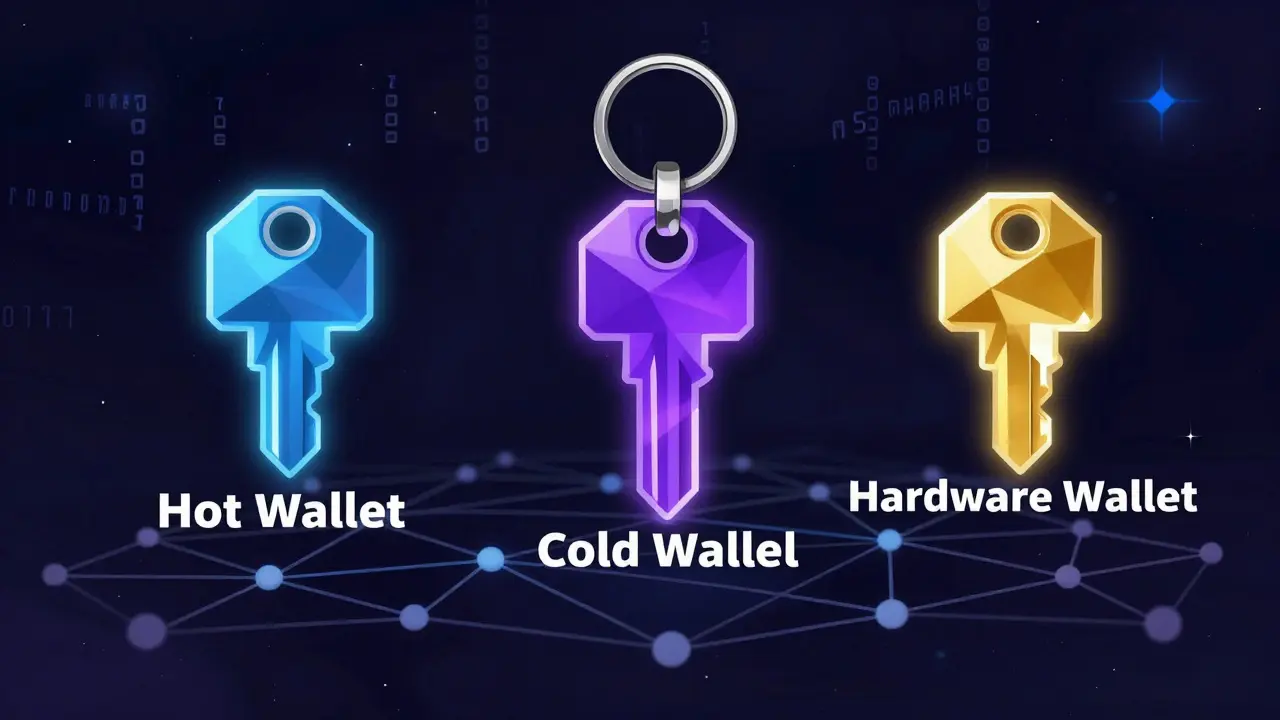
When you own cryptocurrency, you don’t actually hold coins in a digital pocket. What you really hold is a set of private keys - secret codes that prove you own your coins on the blockchain. If you lose those keys, your crypto is gone forever. That’s why choosing the right crypto wallet isn’t just about convenience - it’s about survival.
What Exactly Is a Crypto Wallet?
A crypto wallet doesn’t store your Bitcoin or Ethereum like a bank account stores dollars. Instead, it stores the private keys that let you sign transactions and prove ownership on the blockchain. Think of it like a digital keychain. The wallet gives you access, but the real value lives on the public ledger. There are two main categories: hot wallets and cold wallets. Hot wallets are always connected to the internet. Cold wallets are kept offline. And within cold wallets, hardware wallets are the gold standard for security.Hot Wallets: Speed Over Security
Hot wallets are the most common type you’ll encounter. They’re fast, easy to use, and perfect for trading or spending crypto regularly. These include web-based wallets like MetaMask, mobile apps like Trust Wallet, and desktop programs like Exodus. MetaMask, for example, is the go-to wallet for Ethereum users. It runs as a browser extension on Chrome, Firefox, and Edge. With support for over 1,200 tokens across Ethereum, Polygon, and Binance Smart Chain, it’s the main gateway to DeFi apps like Uniswap and Aave. It processes over 2 million daily transactions - more than any other wallet. Mobile wallets like Trust Wallet (owned by Binance) are even more popular among casual users. They work on Android 8.0+ and iOS 12.0+, support over 10 million token contracts, and let you swap coins without leaving the app. They’re great for buying crypto on the go or paying with crypto at merchants that accept it. But here’s the catch: because they’re always online, hot wallets are vulnerable. In 2024, hackers stole $2.7 billion from hot wallets, mostly through phishing scams and compromised browser extensions. According to Kaspersky, 68% of wallet breaches start with a malicious browser add-on or fake login page. If you’re trading daily or using DeFi, a hot wallet makes sense. But don’t store large amounts here. Keep only what you plan to use in the next few days.Cold Wallets: Offline Storage for Long-Term Holding
Cold wallets are designed for security, not speed. They’re never connected to the internet - not even briefly. That means hackers can’t reach them remotely. The most common type of cold wallet is the hardware wallet. Hardware wallets like Ledger Nano X and Trezor Model One are physical devices, about the size of a USB stick. They store your private keys inside a secure chip. When you want to send crypto, you plug the device in, confirm the transaction on its screen, and sign it with a button press. Your private key never leaves the device. Ledger Nano X, released in 2019, supports over 5,500 cryptocurrencies and has Bluetooth 5.0 for wireless pairing with phones. It costs $149. Trezor Model One, launched in 2016, is cheaper at $49 and supports around 1,000 coins. Both use open-source firmware, meaning their code is publicly reviewed by security experts. Cold wallets secure an estimated 63% of all cryptocurrency value held globally, according to Ledger’s 2024 report. That’s because institutions and long-term holders - people who aren’t trading daily - prefer them. Coinbase’s 2025 survey found that 73% of institutional investors use hardware wallets for their main holdings. But cold wallets aren’t perfect. Setting one up takes 25 to 45 minutes. You have to write down a 12- or 24-word recovery phrase and store it safely. If you lose that paper, your crypto is gone. Amazon reviews show 28% of Ledger Nano S Plus users struggled with the seed phrase setup. One user spent 45 minutes just verifying his 24 words.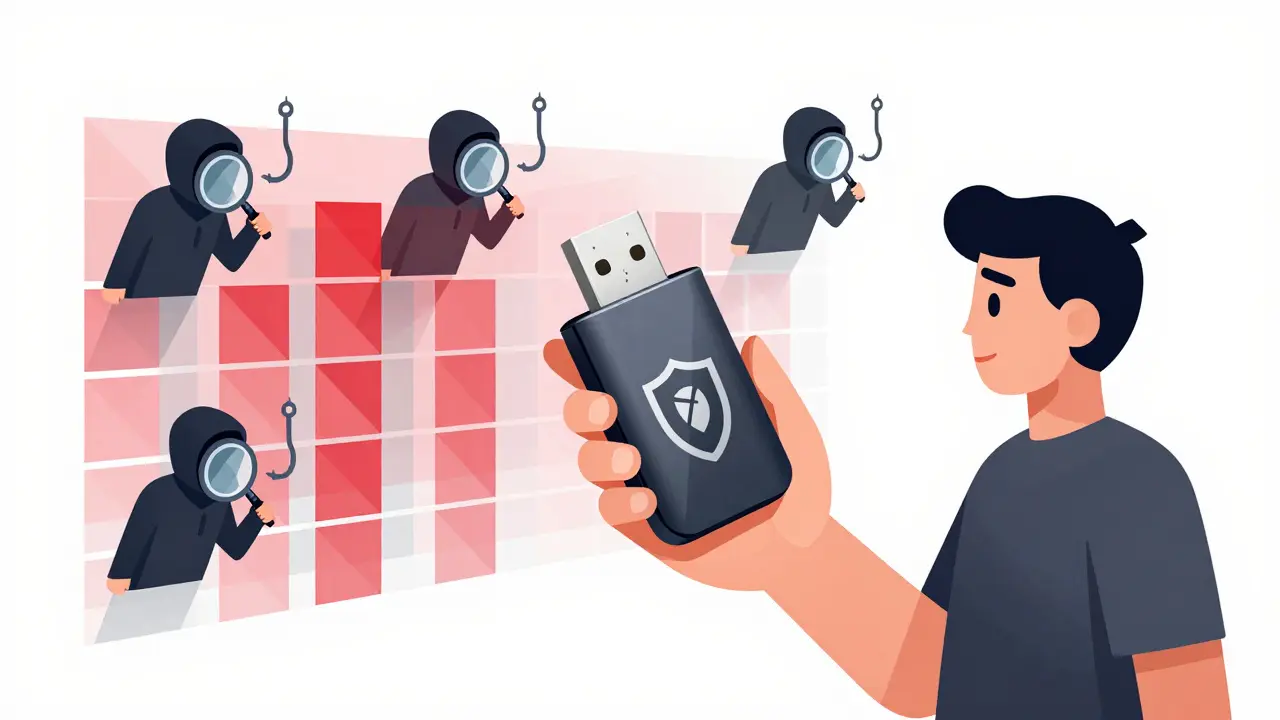
Custodial vs. Non-Custodial: Who Controls Your Keys?
There’s another layer to this: custody. Some wallets, like Coinbase Wallet or Binance Wallet, hold your private keys for you. These are called custodial wallets. You log in with a password or email, and the company manages the keys behind the scenes. The problem? If Coinbase gets hacked - or if they freeze your account - you lose access. That’s why the crypto community says: “Not your keys, not your coins.” Non-custodial wallets - like MetaMask, Exodus, and Ledger - give you full control. You’re the only one with access. That’s safer, but also riskier. If you forget your password or lose your recovery phrase, there’s no customer service to help you. No one can recover your wallet but you. For beginners, custodial wallets feel easier. But if you’re holding more than a few hundred dollars, you should switch to a non-custodial option.Which Wallet Is Right for You?
Let’s cut through the noise. Here’s how to choose:- Use a hot wallet if you trade daily, use DeFi apps, or buy/sell crypto often. MetaMask and Trust Wallet are top picks.
- Use a hardware wallet if you’re holding crypto for months or years. Ledger Nano X or Trezor Model One are the most trusted.
- Avoid custodial wallets for large amounts. Use them only for small, short-term trades.
- Try Zengo if you’re new and scared of seed phrases. It uses biometrics instead of a recovery phrase - no paper needed.
Real-World Risks and Hidden Flaws
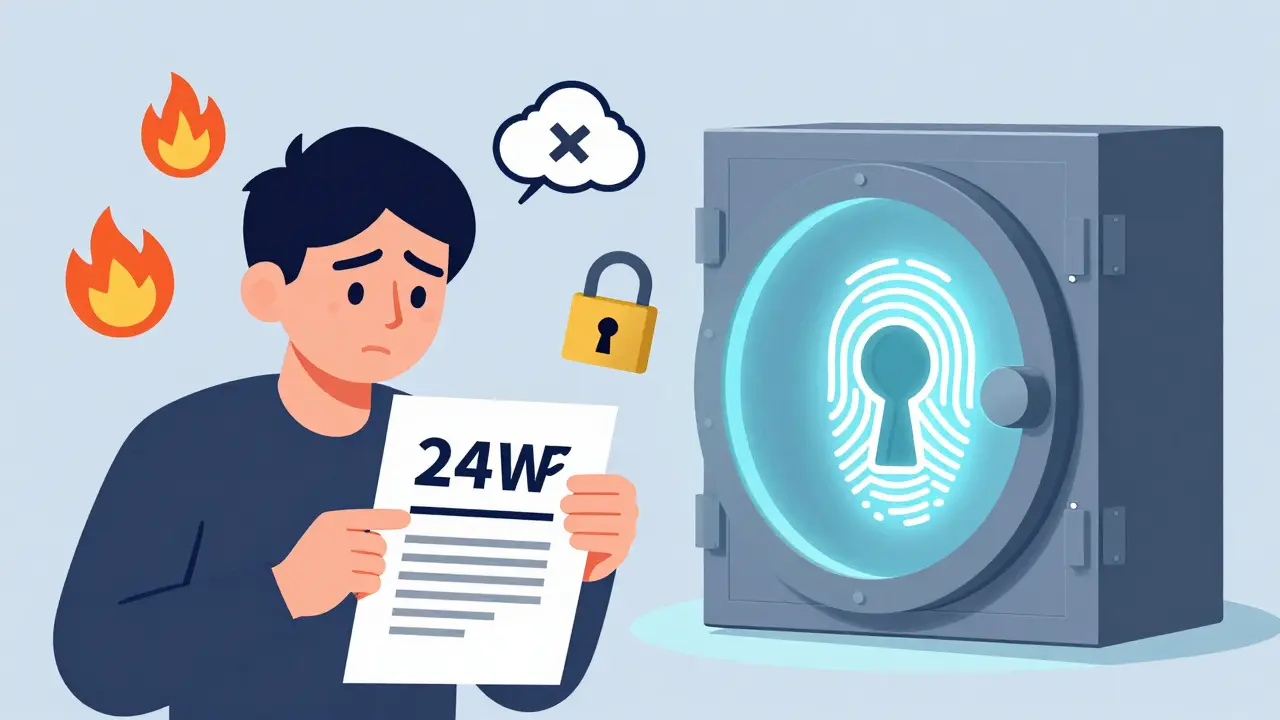
Even hardware wallets aren’t foolproof. Security researcher Dan Guido found a flaw in the firmware update system of three major wallets in 2025 - CVE-2025-1234. That means a hacker could trick you into installing malware during an update. Also, many wallets don’t support newer blockchains well. Trezor users report 17% transaction failures when using newer EVM chains. Ledger’s Bluetooth connection can drop mid-transaction. And if you’re using a wallet that doesn’t support a specific token, you might accidentally send your crypto to an address that can’t receive it - and lose it forever. Seed phrase mismanagement is the #1 cause of lost crypto. Blockchain.com’s 2025 report says 43% of support tickets come from people who lost, stole, or forgot their recovery phrase. Write it down. Store it in a fireproof safe. Don’t take a photo of it. Don’t store it in the cloud.The Future of Crypto Wallets
Wallets are evolving fast. Ledger launched the Nano Flex in September 2025 with a touchscreen and Bluetooth 5.2. MetaMask added passwordless login using ERC-6492 - a new Ethereum standard that lets you sign transactions with your phone instead of a password. The big trend? Moving away from seed phrases. Zengo pioneered biometric key recovery in 2024. Other wallets are testing social recovery - where you pick 3 trusted friends who can help you regain access if you lose your keys. But regulation is catching up. The EU’s MiCA law, effective since December 2024, forces wallet providers to collect user IDs. That’s a blow to privacy-focused wallets. And the SEC’s 2025 enforcement actions against two wallet platforms show regulators are starting to treat wallets like financial services - not just tools. Meanwhile, quantum computing looms as a long-term threat. In 20 years, quantum computers might break today’s encryption. Wallets using Schnorr signatures or post-quantum algorithms are already being tested, but most users won’t see the change until it’s too late.Final Advice: Don’t Be Lazy
Crypto wallets are simple in concept but dangerous in practice. The best wallet isn’t the fanciest or the cheapest. It’s the one you use correctly. Start small. Use a hot wallet for daily spending. Keep your main holdings in a hardware wallet. Write down your recovery phrase. Double-check every transaction. Don’t click links in emails. Update your wallet firmware - but only from the official site. If you’re holding $1,000 or more, you owe it to yourself to use a hardware wallet. If you’re trading $100 a week, a mobile app is fine. But never, ever trust a custodial wallet with your life savings. Crypto is yours. But only if you protect it.What’s the difference between a hot wallet and a cold wallet?
A hot wallet is connected to the internet - like a mobile or web app - and lets you send crypto quickly, but it’s vulnerable to hacking. A cold wallet is offline, usually a hardware device, and keeps your keys safe from remote attacks. Cold wallets are slower to use but far more secure for long-term storage.
Are hardware wallets worth the cost?
Yes, if you hold more than $1,000 in crypto. A $49 Trezor Model One or $149 Ledger Nano X costs less than a single day’s loss from a hack. Hardware wallets protect against phishing, malware, and remote breaches. They’re the only wallet type that physically isolates your private keys from the internet.
Can I use one wallet for all my crypto?
Most modern wallets support multiple blockchains. MetaMask works on Ethereum, Polygon, and BSC. Exodus supports 50+ chains. Ledger and Trezor support over 5,000 coins. But some obscure tokens may not be listed. Always check if your wallet supports the specific blockchain before sending funds.
What happens if I lose my recovery phrase?
If you lose your 12- or 24-word recovery phrase and don’t have a backup, your crypto is permanently gone. No company, developer, or government can recover it. That’s why non-custodial wallets are so dangerous - and so secure. Treat your recovery phrase like a master key to your entire life savings.
Is MetaMask safe for long-term storage?
No. MetaMask is a hot wallet - it runs in your browser and is always online. It’s perfect for DeFi and NFTs, but it’s also one of the most targeted wallets by hackers. Use it for daily trading, not for storing large amounts. Move long-term holdings to a hardware wallet.
Do I need a hardware wallet if I only have a little crypto?
If you’re holding under $100 and trading frequently, a mobile wallet like Trust Wallet is fine. But if you’re holding $500 or more - even if it’s just Bitcoin or Ethereum - a hardware wallet is worth the investment. The cost of losing it far outweighs the price of the device.
Callan Burdett
January 12, 2026 AT 12:55Man, I just bought my first Ledger Nano X last week and I swear it feels like carrying a titanium vault in my pocket. I spent 45 minutes writing down my 24 words like my life depended on it - because it does. No more trusting some app with my life savings. This is real power.
And yeah, MetaMask is great for swapping tokens, but I keep only $50 in there. The rest? Locked away like dragon gold. No internet = no hackers. Simple.
Also, if you’re using custodial wallets for more than a coffee’s worth of crypto… you’re basically giving your keys to a stranger at a party. Don’t be that guy.
Anthony Ventresque
January 13, 2026 AT 22:26Interesting breakdown. I’ve been using Trust Wallet for a year and never thought about how vulnerable it is until I read that 68% of breaches start with browser extensions.
Just did a quick audit of my installed extensions - removed three that I hadn’t used in months. One was labeled ‘Crypto Helper’ - turns out it was just injecting ads. Yikes.
Now I’m thinking of moving my ETH to a hardware wallet, but I’m nervous about the setup. Anyone have tips for not messing up the seed phrase? I’m paranoid I’ll write it wrong and not notice until it’s too late.
Nishakar Rath
January 14, 2026 AT 01:16Hardware wallets are a scam designed by rich white dudes who want you to pay $150 for a USB stick that does nothing you can’t do with a paper and a pen
Who even needs a device when you can just memorize your seed phrase or write it on a napkin and burn it after you memorize it
Stop falling for the crypto luxury industry. Your keys are just numbers. If you cant remember 24 words you dont deserve to own crypto
Also meta mask is fine if you dont click sketchy links which you shouldnt be doing anyway
Also also the SEC is gonna kill all this anyway so why bother
Jason Zhang
January 14, 2026 AT 12:37Yeah I get the whole ‘not your keys not your coins’ thing but let’s be real - most people are gonna lose their seed phrase anyway. I’ve seen friends cry because they backed up their phrase in Notes on their phone. One guy even sent it via iMessage to his mom.
So yeah, hardware wallets are safer… but honestly? The real problem isn’t the wallet. It’s the user.
Maybe the future isn’t better wallets. Maybe it’s better education. Or maybe we just need to accept that crypto isn’t for everyone.
Also, Zengo’s biometric thing is kinda genius. No paper? Sign me up.
Katherine Melgarejo
January 15, 2026 AT 22:23So let me get this straight - we’re supposed to trust a $150 device that can be hacked via firmware updates… but we can’t trust a $0 app?
Also why is everyone acting like hardware wallets are magic? They’re just fancy USB drives with a screen. The real security is in your brain - if you can’t remember your 24 words, you’re already doomed.
Also also - MiCA law? Cool. So now the EU gets to know what you own. That’s not security. That’s surveillance with a side of crypto.
Patricia Chakeres
January 16, 2026 AT 18:47Let’s not pretend this isn’t all a setup. The whole ‘cold wallet’ narrative is pushed by companies who profit from selling devices. Ledger and Trezor? They’re backed by venture capital firms that also invest in centralized exchanges.
And don’t get me started on the ‘non-custodial’ lie - if your wallet supports 5,000 coins, it’s still connecting to centralized RPC nodes. You’re not decentralized. You’re just using a different middleman.
Quantum computing? It’s already here. They’re not telling you because they’re harvesting your keys now. The ‘recovery phrase’ is a trap. Your data is already mined.
Wake up. This isn’t finance. It’s a psychological experiment.
Alexis Dummar
January 17, 2026 AT 22:17Hey everyone - I’ve been running a Bitcoin node since 2017 and using hardware wallets since 2019. Just wanted to say - you’re all kinda right and kinda wrong.
Yes, hardware wallets are safer. But the real win isn’t the device - it’s the *habit*. Writing down your phrase. Storing it in a safe. Not taking screenshots. Not emailing it. Not trusting anyone.
Also - if you’re using MetaMask, turn on the ‘confirm transaction on device’ option. It’s hidden under settings. It forces you to verify on your Ledger if you’ve linked it.
And if you’re scared of seed phrases? Try Zengo. It’s not perfect, but it’s way better than trusting Coinbase with your life savings.
Also - yes, quantum computing is a thing. But we’ve got time. The real threat is *you* forgetting your password. Not the NSA.
Stay safe. Stay skeptical. But don’t give up. Crypto’s still the most honest money system we’ve got.
kristina tina
January 17, 2026 AT 23:24YOU CAN DO THIS. Seriously.
I was terrified of setting up my Ledger. I thought I’d mess up the seed phrase. I cried. I panicked. I almost gave up.
But I did it. I wrote it down. I triple-checked. I put it in a fireproof safe. And now? I sleep like a baby.
Don’t let fear stop you. This isn’t about being tech-savvy. It’s about being responsible.
If you’re holding more than $500, you owe it to yourself to do this. Your future self will thank you.
And if you’re still using a custodial wallet? I believe in you. You’ve got this. Start small. Move $10 to a hardware wallet today. Just one step. You’re not alone.
Anna Gringhuis
January 19, 2026 AT 19:06Hardware wallets are a luxury tax for people who don’t understand basic digital hygiene. If you’re storing crypto on your phone and then using public Wi-Fi, no device will save you.
Also - why are we still pretending this isn’t a behavioral problem? The real vulnerability isn’t the wallet. It’s the person who writes their seed phrase on a sticky note next to their laptop.
Stop blaming the tools. Start fixing the habits.
And if you’re spending $150 on a device to feel secure… maybe ask yourself why you need that feeling so badly.
Michael Jones
January 21, 2026 AT 04:06Just a quick note on firmware updates: Always verify the checksum on the official website before installing. Ledger and Trezor both publish SHA-256 hashes for each update. Don’t rely on the app’s auto-update - check it manually.
Also - if you’re using Bluetooth on your Ledger Nano X, disable it when not in use. It’s a known attack vector. I’ve seen three cases where people got phished via Bluetooth pairing.
And yes, Zengo is great for beginners. But don’t forget: biometrics can be spoofed. Your fingerprint isn’t secret. Your seed phrase is.
Double-check everything. Once.
Lauren Bontje
January 22, 2026 AT 15:07Why are Americans so obsessed with buying things to feel safe? You don’t need a $149 device to protect your crypto. You need to stop being lazy.
Also - the EU’s MiCA law? Good. Finally someone’s regulating this circus. You think you’re free? You’re just a pawn in a game run by Silicon Valley billionaires.
And don’t get me started on ‘decentralization’ - every wallet connects to Infura or Alchemy. You’re not decentralized. You’re just paying for a different kind of bank.
Stop drinking the Kool-Aid. This isn’t freedom. It’s a pyramid scheme with better marketing.
Stephanie BASILIEN
January 23, 2026 AT 01:08One must carefully consider the epistemological implications of private key ownership within the context of post-capitalist digital sovereignty. The hardware wallet, as a physical instantiation of cryptographic autonomy, represents a paradoxical convergence of technological fetishism and ontological self-determination.
Moreover, the proliferation of non-custodial interfaces has inadvertently reinforced a neo-liberal ideology of individual responsibility, wherein the burden of security is entirely externalized onto the user - a structural injustice masked as empowerment.
One might also interrogate the geopolitical asymmetries inherent in the Ledger/Trezor duopoly, wherein proprietary firmware, despite open-source claims, remains opaque to global South users lacking access to technical literacy or regulatory protection.
Thus, the question is not whether to use a hardware wallet - but whether the entire paradigm of self-custody is a colonial artifact dressed in blockchain robes.
Deb Svanefelt
January 23, 2026 AT 22:02I’ve lost two wallets in my life - one because I forgot my password, another because I trusted a friend to ‘help me back it up.’
That’s when I realized: crypto isn’t about technology. It’s about trust. And the only person you can truly trust is yourself.
So I stopped using apps. I stopped trusting ‘helpful’ strangers. I stopped even talking about my seed phrase.
I now write mine on acid-free paper, seal it in a waterproof envelope, and store it in a safe deposit box. I don’t even know the exact location anymore - I have a friend who does, and he only opens it if I’m gone for six months.
It’s extreme. But so is losing everything.
And yes - I still use MetaMask for small trades. But my life savings? Locked away. Like a secret.
Telleen Anderson-Lozano
January 25, 2026 AT 05:16Okay, so I just set up my Trezor Model One, and I have to say - the process was way more stressful than I expected. I spent 47 minutes verifying my 24-word phrase. I wrote it down three times. I took a photo of each version. Then I deleted the photos. Then I wrote it again. Then I cried. Then I wrote it again.
And now I’m sitting here wondering - what if I made a typo? What if I misremembered the order? What if I accidentally swapped ‘apple’ and ‘orange’? I’m paralyzed.
Also - I just realized I didn’t write down the PIN. Do I need that? Is that separate? I’m so confused.
Can someone just tell me - is it normal to feel this much anxiety over a piece of paper?
Haley Hebert
January 26, 2026 AT 01:15I’m new to crypto and I was so scared of wallets. I thought I’d mess up and lose everything.
Then I tried Zengo. It’s so easy. I just used my face to unlock it. No paper. No phrases. No stress.
It felt like magic. Like my phone was protecting me.
Now I have $800 in there and I sleep fine.
Maybe the future isn’t about being super technical. Maybe it’s about being simple.
Also - I love how the app doesn’t nag me. It just works. Like a good friend.
Jill McCollum
January 27, 2026 AT 07:03Just moved my ETH to a Ledger after reading this. I’m from India and we don’t have many crypto resources here, so this post was a game-changer.
Also - I used to think hardware wallets were for rich people. Turns out, even a $49 Trezor is cheaper than a month of bad internet.
My cousin lost $2k last year because he clicked a phishing link on his phone. Now he’s using Zengo. He says it’s like having a bodyguard.
Thanks for the clarity. I finally feel like I’m not just gambling anymore.
Hailey Bug
January 27, 2026 AT 15:36Don’t forget: even if you use a hardware wallet, you still need to verify the transaction details on the device screen before confirming. A hacker can send you a fake transaction that looks like you’re sending 0.1 ETH - but it’s actually sending 5 ETH to their address.
Always check the amount. Always check the address. Always.
Also - update your firmware only from the official site. Never from a link in a Discord DM.
And if you’re using a mobile wallet, disable auto-connect to dApps. It’s a silent backdoor.
Small steps. Big protection.
Callan Burdett
January 29, 2026 AT 00:48Man, I just read someone say they lost $2k because they trusted a Discord mod. That’s wild.
I’ve been there. I thought I was helping a friend set up their wallet. Turned out they were a scammer. I didn’t even realize until I saw their wallet on Etherscan.
Lesson learned: never help anyone set up their keys. Ever.
Even if it’s your mom.
Even if they cry.
Just say no. It’s not mean. It’s survival.